Error page
In place of Spring Boot's whitelabel page, errors show the exception, its message and the stack trace with framework frames folded.
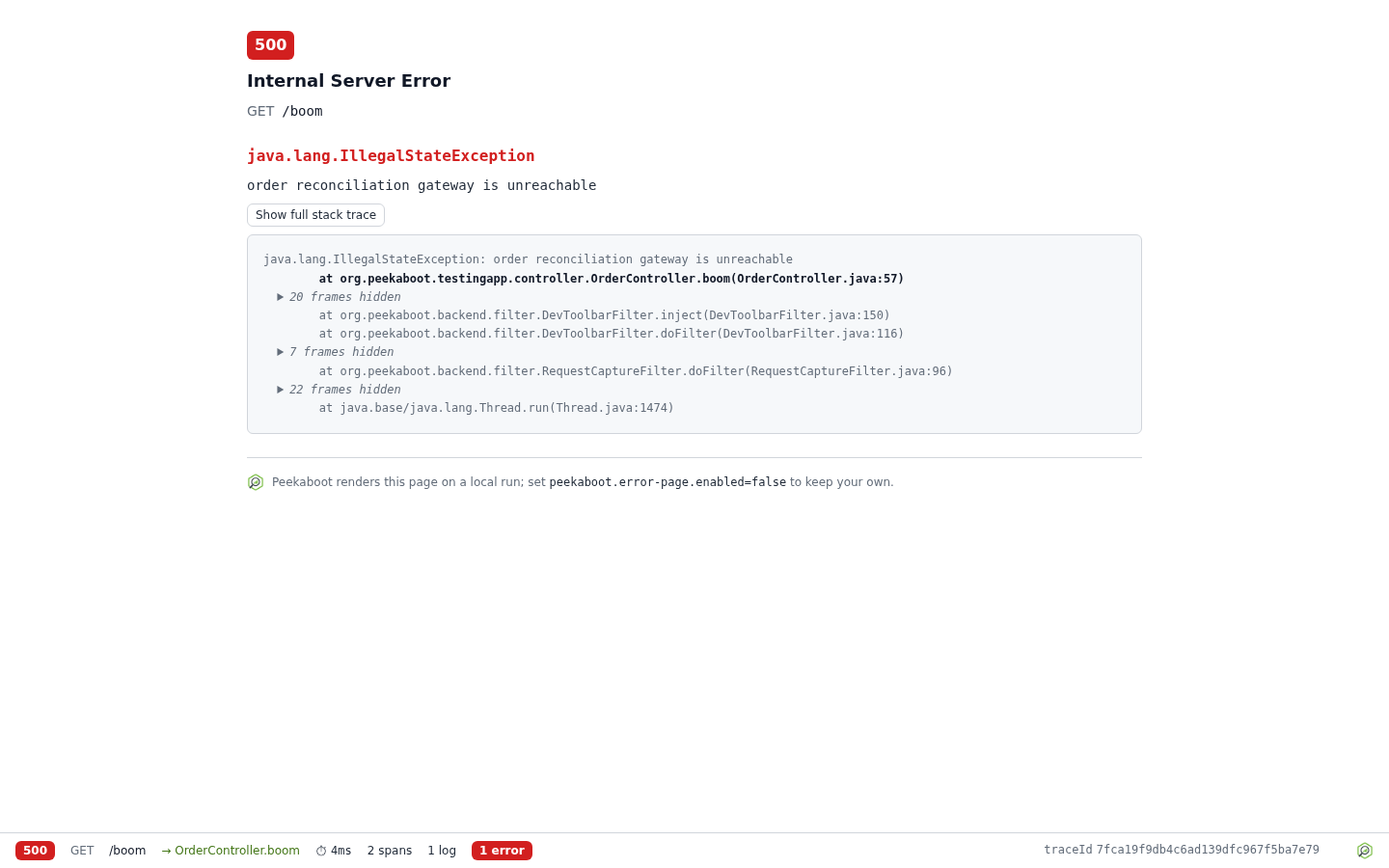
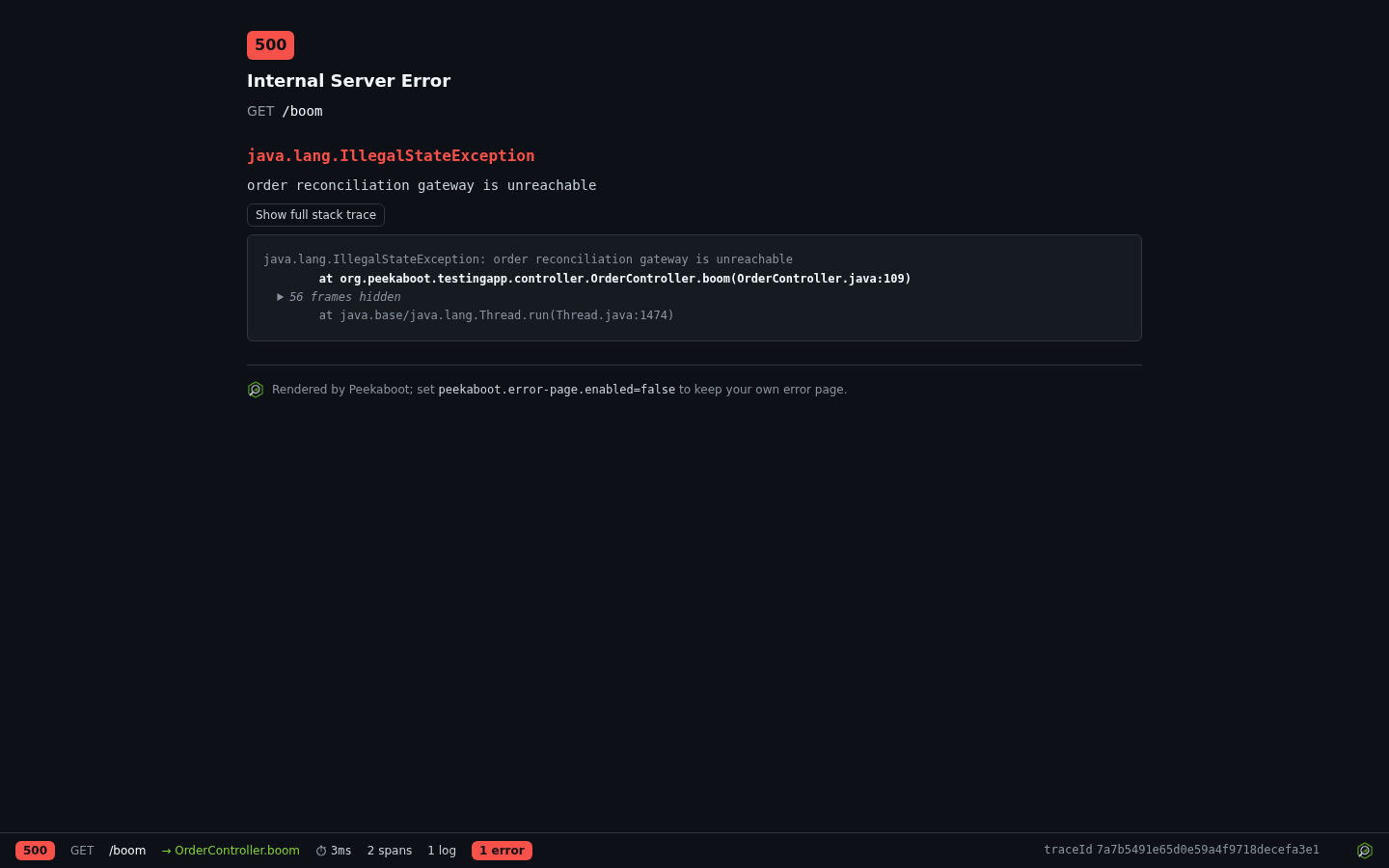
The page shows the status and reason, the request line, the exception class and message, and
the stack trace with your own frames marked. Framework frames fold behind a disclosure, see
peekaboot.stack-trace. The
page carries the dev toolbar,
which reports the failed request.
Only a request whose Accept header names text/html gets the page. A bare */*, as Swagger
UI, curl and fetch() send, does not count, and those clients get Spring Boot’s usual error
response.
The page shows the exception message and stack trace. Both are masked by value shape only, and the page sits outside Peekaboot’s guard. Turned on for a deployment, anyone who can reach the application sees them, and the startup report logs a WARN whenever the page is served. See Security, what the error page shows.
Turn it on or off
peekaboot.error-page.enabled is on for a local
run and off for a deployment or a test.
It also needs peekaboot.enabled and a servlet web application with Spring MVC.
peekaboot.error-page.override is false. Both are under
Configuration.
When your application has its own error page
By default Peekaboot backs off when the application has its own error page: an error view
bean, an error template or a static error/*.html. It also stays off while
spring.web.error.whitelabel.enabled is false.
Override your own error page
To keep a branded error page in production and see Peekaboot’s page while developing, set
peekaboot.error-page.override: true in your local profile.
- Peekaboot’s page wins wherever
enabledistrue, including over an@ControllerAdviceor@ExceptionHandlerthat renders your error page. - The
Acceptrule above still holds, so API clients keep your application’s own error response. - The
spring.web.error.whitelabel.enabledsetting no longer applies.
The page keeps the status Spring would send:
| Case | Status |
|---|---|
| Type mismatch | 400 |
| Method not allowed | 405 |
ResponseStatusException or @ResponseStatus |
Its own status |
| Any other exception | 500 |
If the page does not appear, see Troubleshooting.